QuickFinder4.0
Publisher Description
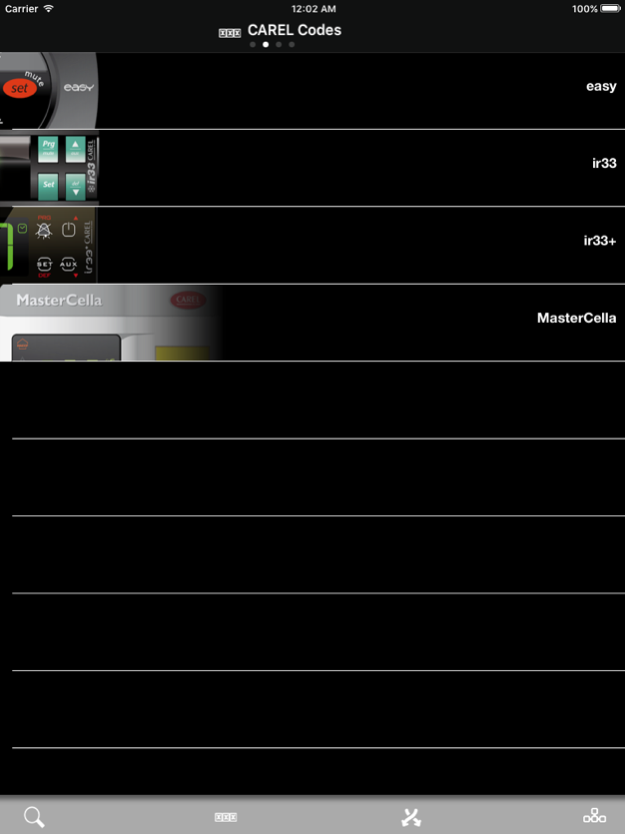
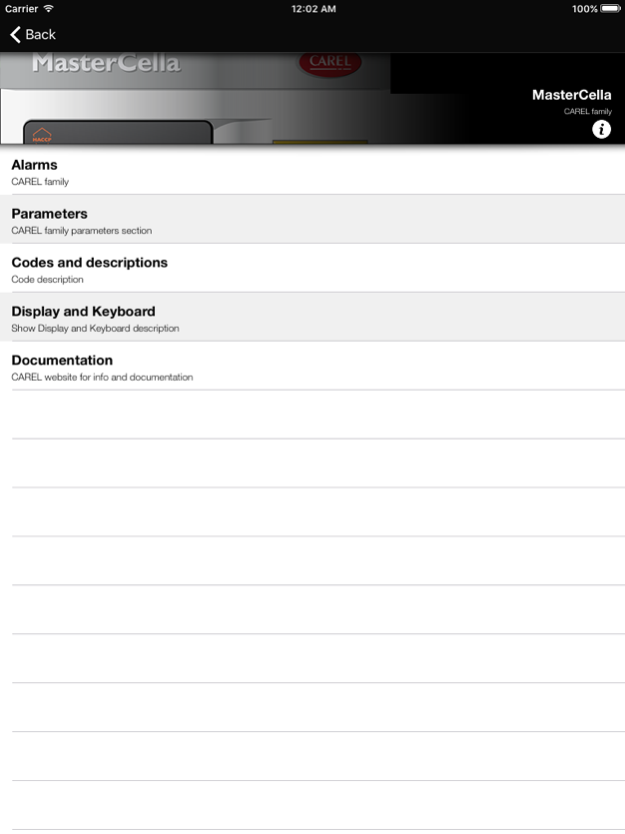
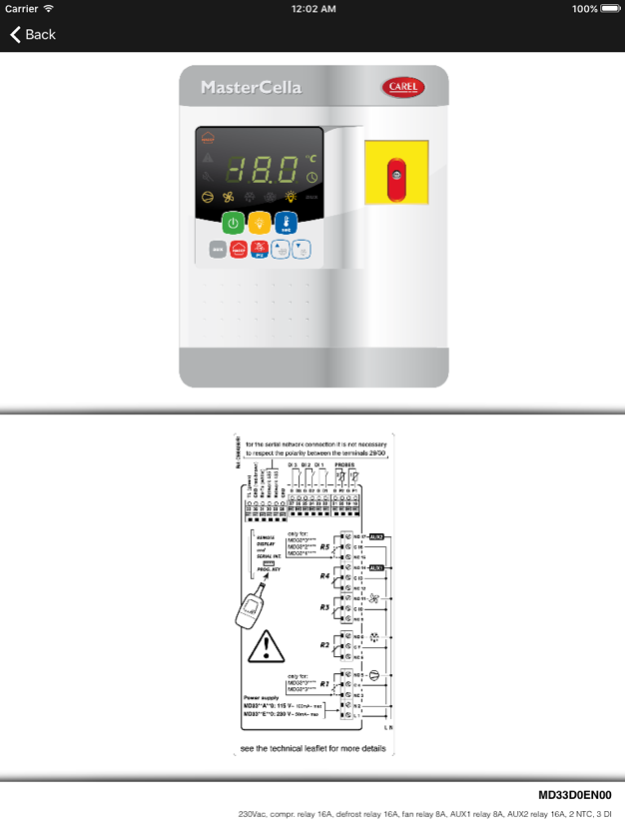
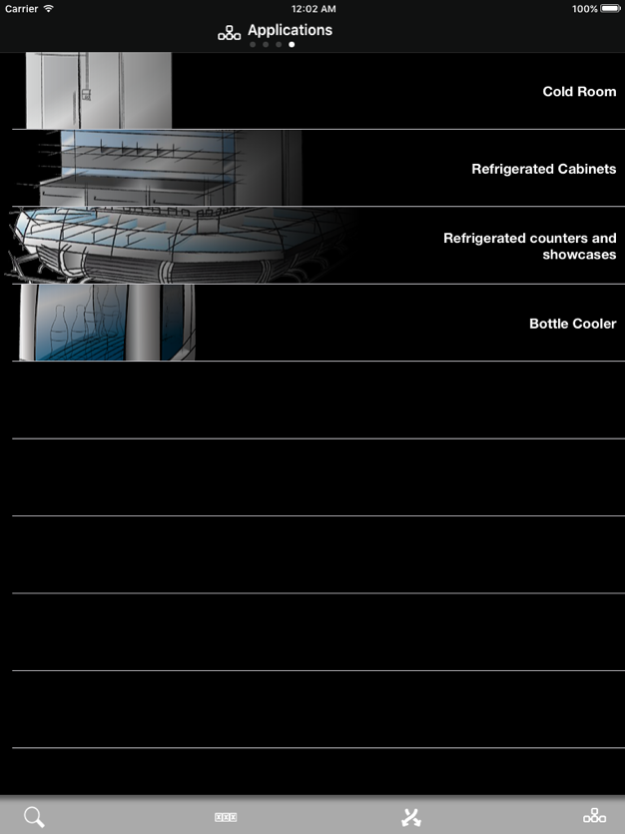
CAREL presents QuickFinder, the selection tool for refrigeration applications.
This has been designed and developed for distributors and installers, with the following objectives:
- To provide a useful contribution in the field, when product information is needed during installation or maintenance, such as parameter tables, alarm tables, connection diagrams and instruction sheets, thus helping the installer in their every day work, and making access to this information faster (and therefore less costly).
- To offer a tool for selecting the most suitable solution: starting from the application (e.g. cold room, bottle cooler or refrigerated cabinet), the App suggests the most suitable product, consequently simplifying the selection process for the distributor and installer.
- To offer a CAREL alternative to other products available on the market. Distributors or installers who want to use a CAREL controller for a specific application can now refer to a table with complete comparison of compatible instruments.
The current version included: easy, ir33, ir33+ and MasterCella.
New Languages version --> COMING SOON!
Mar 14, 2016
Version 4.0
This app has been updated by Apple to display the Apple Watch app icon.
new db product codes
About QuickFinder
The company that develops QuickFinder is Carel Industries s.r.l.. The latest version released by its developer is 4.0.
To install QuickFinder on your iOS device, just click the green Continue To App button above to start the installation process. The app is listed on our website since 2016-03-14 and was downloaded 55 times. We have already checked if the download link is safe, however for your own protection we recommend that you scan the downloaded app with your antivirus. Your antivirus may detect the QuickFinder as malware if the download link is broken.
How to install QuickFinder on your iOS device:
- Click on the Continue To App button on our website. This will redirect you to the App Store.
- Once the QuickFinder is shown in the iTunes listing of your iOS device, you can start its download and installation. Tap on the GET button to the right of the app to start downloading it.
- If you are not logged-in the iOS appstore app, you'll be prompted for your your Apple ID and/or password.
- After QuickFinder is downloaded, you'll see an INSTALL button to the right. Tap on it to start the actual installation of the iOS app.
- Once installation is finished you can tap on the OPEN button to start it. Its icon will also be added to your device home screen.
Program Details
System requirements
Download information
Pricing
Version History
version 4.0
posted on 2016-03-14
Mar 14, 2016 Version 4.0
new db product codes
version 4.0
posted on 2016-03-14
14 mar 2016 Version 4.0
new db product codes
version 4.0
posted on 2016-03-14
Mar 14, 2016 Version 4.0
This app has been updated by Apple to use the latest Apple signing certificate.
new db product codes
version 4.0
posted on 2016-03-14
14 Mar 2016 Version 4.0
This app has been updated by Apple to use the latest Apple signing certificate.
new db product codes
version 4.0
posted on 2016-03-14
Mar 14, 2016 Version 4.0
This app has been updated by Apple to display the Apple Watch app icon.
new db product codes
version 4.0
posted on 2013-05-07
version 4.0
posted on 1970-01-01
2016年3月14日 Version 4.0
new db product codes
